Last week I had the opportunity to speak at M365 Community Days DC 2026 at the Microsoft Innovation Hub in Arlington, VA. The event was sold out, the energy in the room was fantastic, and I got to connect with some incredible people across the Microsoft community.
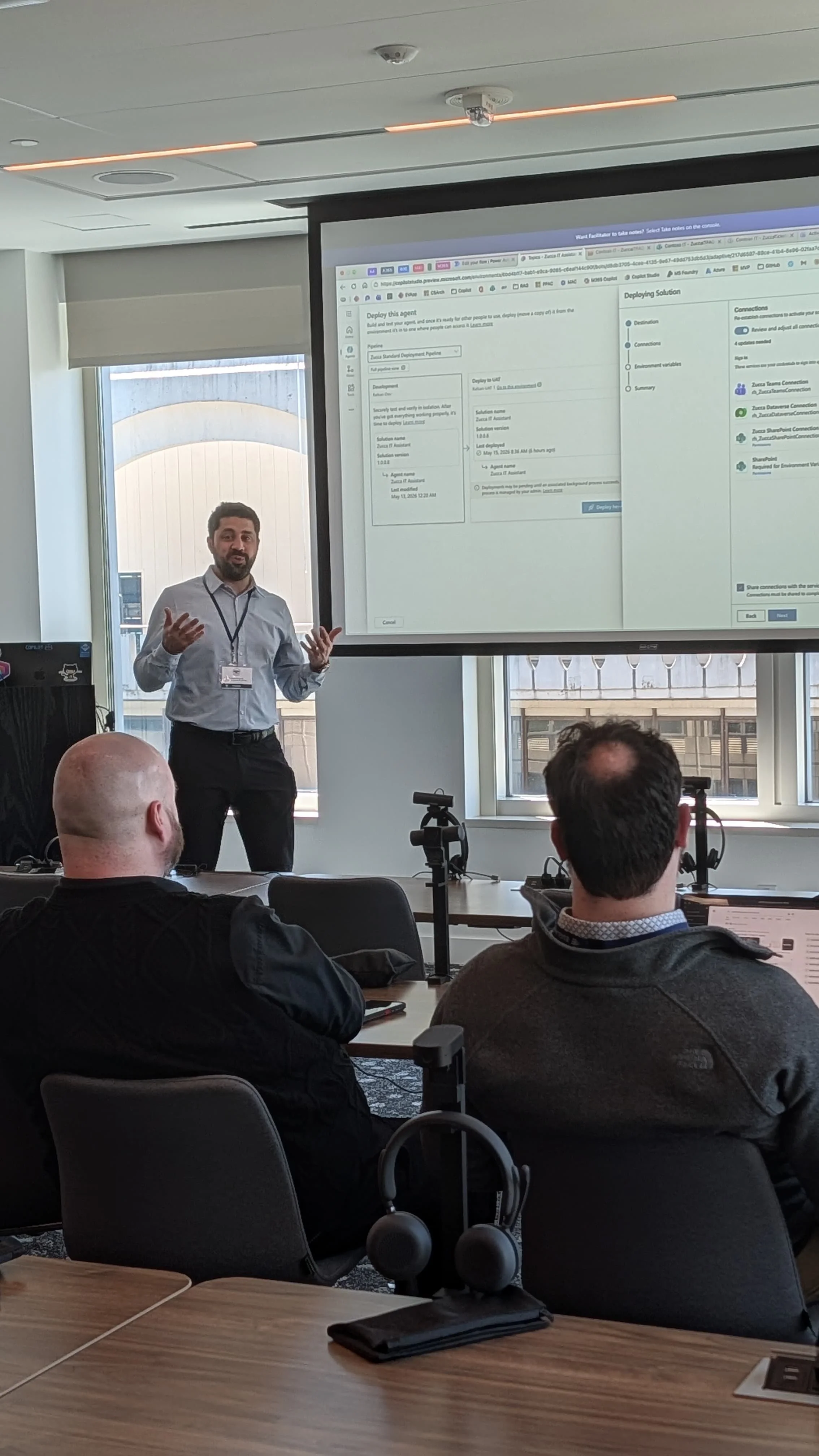
My session — No More Manual Moves: Automating Copilot Agent Lifecycle with Power Platform Pipelines — tackled a problem that every Power Platform team hits at some point: how do you reliably move your Copilot Studio agents from Dev to Prod without things breaking? I started by asking the audience how they move their agents today. No surprise — the majority still rely on manual export and import. That opened the door to the real conversation: why manual deployments are risky, what customers tell me about the pain, and how Power Platform Pipelines solve it.
The highlight was a full live demo. I built a Copilot Studio agent called Zucca IT Assistant, a helpdesk agent that answers IT questions from a SharePoint knowledge source and logs support tickets through an adaptive card form with a Power Automate flow posting notifications to Teams. The solution included environment variables, connection references, and a custom approval flow extension. I clicked Deploy, the approval card arrived in Teams, I approved it on stage, and the agent landed in the target environment. One click. Full audit trail. No zip files.
Key Takeaways I Left the Audience With
Don't build in the Default environment
Always build agents inside solutions
Use a custom publisher and prefix
Use environment variables and connection references
Ship your solutions managed only
Don't do customizations in target environments
Stop deploying manually — use Pipelines
What's Next
I'm co-presenting at EPPC (European Power Platform Conference) in Copenhagen in June 2026 with my friend Michael Heath. Our session — Agent Code Red: Governance in Practice with Agent 365 — takes the governance conversation even further. If you're attending, come say hi.
If you want to see the full pipeline setup, I'll be publishing a walkthrough on my YouTube channel. And as always, connect with me on LinkedIn if you want to continue the conversation.
Thanks to the M365 DC Community Days organizers and sponsors for putting on a great event. See you next year.